Page Titles and Meta Descriptions That Get People to Click
How to write clear page titles and meta descriptions, why Google sometimes replaces them, and how to check the result through CTR in Search Console.
Read the article →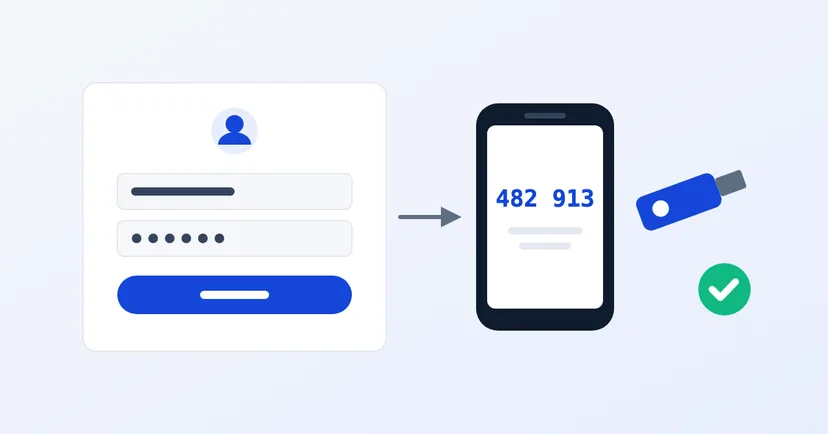
Imagine the password for your website admin, or your director's email, leaks today. Perhaps it was reused on another service, written in a chat group or typed into a fake login page. If that password is the only thing protecting the account, someone else can now log in as you.
Two-step verification (often called 2FA or MFA) means a leaked password is not enough to get in. It is one of the cheapest security steps with the biggest impact. This article explains which accounts to protect first, which methods are safest, and how to apply it to your company website and email.
Two-step verification asks for two proofs at login: something you know (the password) and something you have, such as a code from an app on your phone or a physical security key. According to CISA, the US cybersecurity agency, if one factor such as a password is compromised, unauthorised users still can't get in without the second factor.
CISA urges organisations to use MFA for all users and all services, including email, file sharing and access to financial accounts.
If you can't do everything at once, start with the accounts that would do the most damage if broken into:
Hosting and domain accounts are often set up by a vendor or by staff who left long ago, and nobody knows whose phone is registered on them. Before turning on two-step verification, first make sure these accounts are in the company's name and held by the right people.
Not all two-step verification is equally strong. CISA ranks the methods from strongest:
If your company email runs on Google Workspace, a super admin can set up two-step verification under Security > Authentication > 2-step verification in the Admin console. Google suggests this order: tell employees, let them turn it on themselves, track who has enrolled, then enforce it from a set date. Admins can also block SMS and phone codes, or require security keys.
If you use Microsoft 365, Microsoft Entra has a security defaults feature that requires every user to register for MFA and admins to always use it. It also blocks older email protocols that don't support MFA. According to Microsoft, more than 99.9% of common identity attacks are stopped by MFA and blocking legacy authentication. See also our guide to company email on your own domain.
WordPress's security guide recommends two-step verification, but it isn't built into WordPress itself. One option is the community-developed Two Factor plugin in the official WordPress.org directory. It supports authenticator app codes, email codes and backup codes. For passkeys or security keys, it points to an additional plugin.
For other CMSs, check the account settings or ask your website provider. If your CMS doesn't support two-step verification at all, record it as a risk. CISA recommends upgrading or replacing systems that don't support MFA, and escalating the risk to senior leadership. This step is also part of our monthly WordPress security checklist.
Passwords will leak one day. Two-step verification makes sure that leak doesn't turn straight into a break-in.
Want to know how strong the admin access to your website and systems really is? See how we test security on our pentest page, or request a pentest quote.
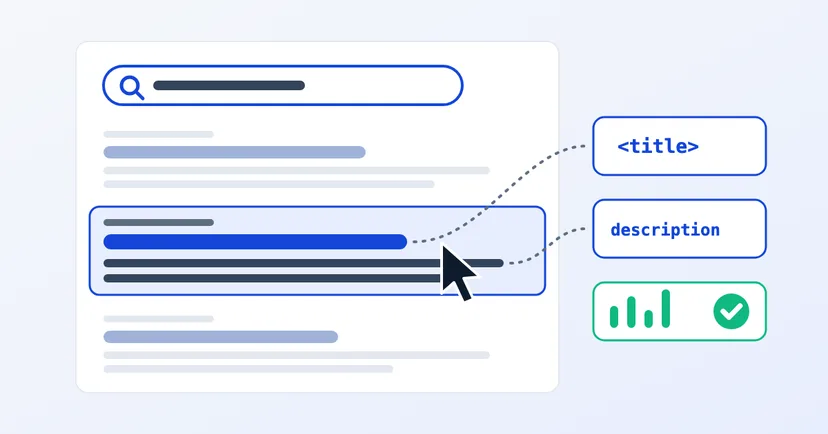
How to write clear page titles and meta descriptions, why Google sometimes replaces them, and how to check the result through CTR in Search Console.
Read the article →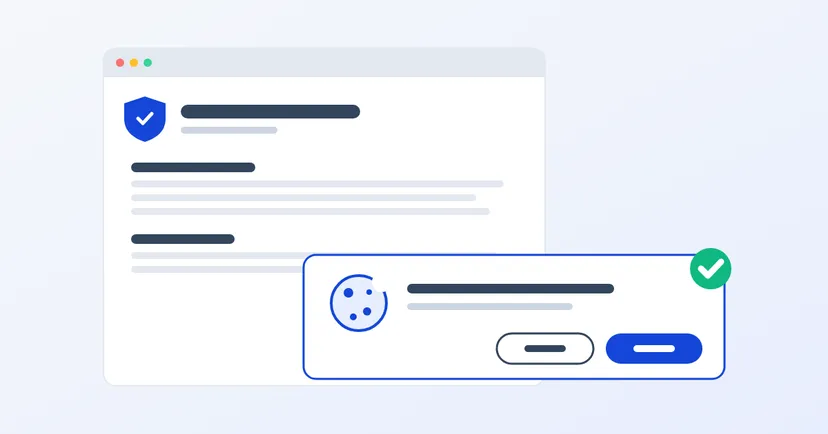
What a privacy policy for website owners in Indonesia must include under UU PDP: the required information, cookies, an honest consent banner, common mistakes.
Read the article →