Page Titles and Meta Descriptions That Get People to Click
How to write clear page titles and meta descriptions, why Google sometimes replaces them, and how to check the result through CTR in Search Console.
Read the article →
This morning a customer sends you a message: your website opens a gambling page, or Google shows a red warning when they try to visit. Panic is natural. But what you do in the first few hours matters a great deal: how much damage can be prevented, whether the evidence survives, and how long it takes for your website to be trusted again.
This article sets out the first steps in the 24 hours after a website is hacked, based on guidance from Google and WordPress. The focus is on what you can do as a business owner, together with your hosting provider or website vendor.
"Hacked" can mean many things. The WordPress documentation lists some fairly clear signs:
If you see any of these signs, treat it seriously until proven otherwise. Sometimes it is just an ordinary server problem, and your hosting provider can help confirm that.
The WordPress documentation recommends a first step that is often skipped: documenting. Before changing anything, write down:
These notes become the basis of an incident report, whether you handle it yourself or with outside help. Don't rush to delete suspicious files. WordPress also recommends taking one copy of the website in its infected state before cleaning it, so there is material to trace what happened.
Many company websites hold data about people: contact form submissions, customer accounts or job applications. If data like this may have been read or copied by the attacker, the matter is no longer purely technical.
Indonesia's Personal Data Protection Law (Law No. 27 of 2022), Article 46, provides that if there is a failure of personal data protection, the data controller must give written notice no later than 3 x 24 hours to the data subjects and to the supervisory agency. The notice must at least state what data was exposed, when and how, and the steps taken to handle it. In certain cases, the public must also be notified.
Whether what happened on your website falls under this, and when the clock starts, is best discussed with a legal adviser. What you can do now: list what data the website stores, and involve the people with authority in your company from day one.
Cleaning up without knowing how the attacker got in is the most common mistake. Google warns that more than one weakness may have been used, and knowing when the hack started helps you decide which backups are still clean. Common causes: weak or reused passwords, software that hasn't been updated, and an admin computer that was already infected.
If Google has flagged your website, check the Security Issues report in Google Search Console. It shows Google's findings, such as hacked content or malware, with sample page addresses.
Once every issue in that report is fixed across all pages, request a review with the Request Review button and explain what you fixed. Google says reviews can take from several days to several weeks. Don't request one before the website is truly clean, because that only lengthens the time your website is flagged as dangerous.
In the first 24 hours, the goal isn't to get the website back to normal straight away, but to stop the damage, keep the evidence and take back every account.
Once things have calmed down, use the experience to fix the basics. Start with the basic steps of company website security, or get in touch if you would like to talk about a website that is easier to maintain and secure.
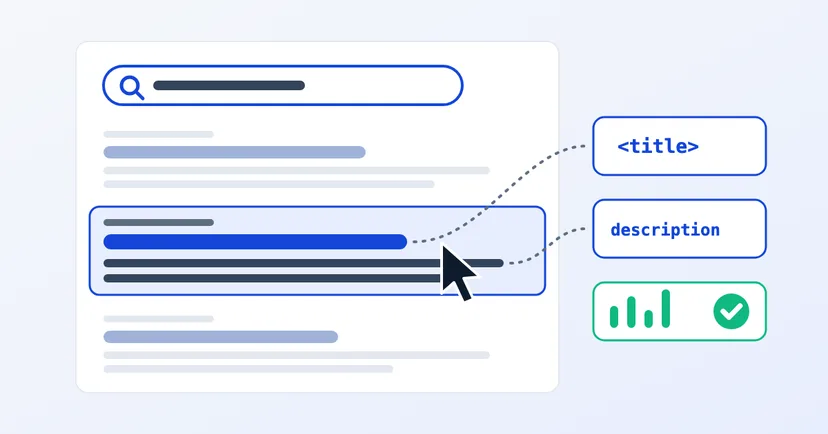
How to write clear page titles and meta descriptions, why Google sometimes replaces them, and how to check the result through CTR in Search Console.
Read the article →
What a privacy policy for website owners in Indonesia must include under UU PDP: the required information, cookies, an honest consent banner, common mistakes.
Read the article →