Page Titles and Meta Descriptions That Get People to Click
How to write clear page titles and meta descriptions, why Google sometimes replaces them, and how to check the result through CTR in Search Console.
Read the article →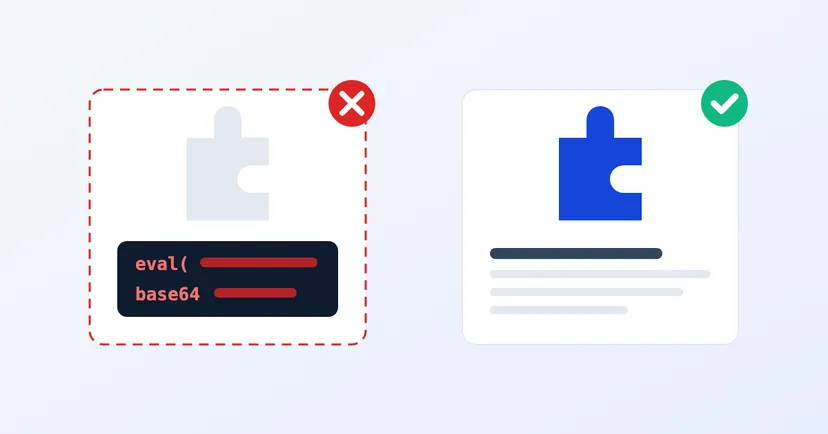
A good-looking premium WordPress theme is usually sold with a paid licence. Then someone offers the same theme free or far cheaper, through a download site, a chat group or a marketplace. All the features are there, no licence key is needed and it installs straight away. For a company website on a tight budget, the offer sounds reasonable.
The problem is that you don't know what has been changed inside it. This article explains the real risks of pirated plugins and themes, how to check whether your website uses them, and what to do if it does.
Pirated plugins and themes, often called nulled versions, are copies of paid products with the licence check removed, redistributed by someone other than the maker. Sometimes you use them without meaning to: a website provider installs them to keep costs down, and you only find out later.
The saving often only lasts at the start. Cleaning up a compromised website, recovering data and explaining things to customers can cost far more than an official licence.
The difference isn't in how they look. A pirated version can look exactly like the original. The difference lies in who last changed the files, and what they added.
Whoever spreads a pirated version has already opened up and changed the files. There is no guarantee the licence check is all they changed. That is why WordPress's official security guide tells you not to get plugins or themes from untrusted sources.
This isn't a theoretical worry. Research from the Georgia Institute of Technology, presented at USENIX Security 2022, analysed more than 400,000 web servers and found 47,337 malicious plugins on 24,931 websites. According to the study, pirating popular plugins is one of the ways malicious plugins are spread.
Once malicious code is in, the effects vary. Google describes several forms of hacked content: malicious code injected into pages, spam pages added quietly, content that search engines can see but the site owner struggles to spot, and redirects that send visitors to harmful pages.
Paid plugins and themes are usually updated through an official licence. A pirated version has no such licence, so your website gets no updates from the maker, including security fixes. Every flaw found in that version stays open on your website.
WordPress itself stresses that plugins must always be kept updated, because they have deep access to your site. A pirated version makes this basic step impossible to do properly. Downloading a "new version" from the same pirate site simply repeats risk one.
A compromised website can suffer in search. Under Google's spam policies, hacked content is a violation, and sites that violate the policies may rank lower or not appear in results at all.
Google can also show a warning label in search results, and browsers can show a warning page before visitors reach your website. The Security Issues report in Google Search Console tells you when Google finds hacked content or malware on your site. If you haven't set up Search Console yet, now is a good time.
For a B2B company, the damage goes beyond traffic. A buyer who finds gambling or pharmacy links on your factory's website will start wondering about other things too.
Indonesia's Copyright Law (Law No. 28 of 2014), in Article 40, lists computer programs among protected works. On the other hand, WordPress.org takes the view that plugins and themes are derivative works of WordPress and so inherit its GPL licence, while admitting there is a legal grey area. So the legal position can differ case by case, and we won't oversimplify it here. What is certain is that the security risk is the same whatever the licence status.
The routine steps after that are in our monthly WordPress security checklist, and how to set up proper backups is in our article on the 3-2-1 backup rule.
An official licence isn't only about paying the maker. It is what keeps your website receiving security fixes.
Not sure your company website is clean? Find out about our pentest service, or request a quote for a check of your website.
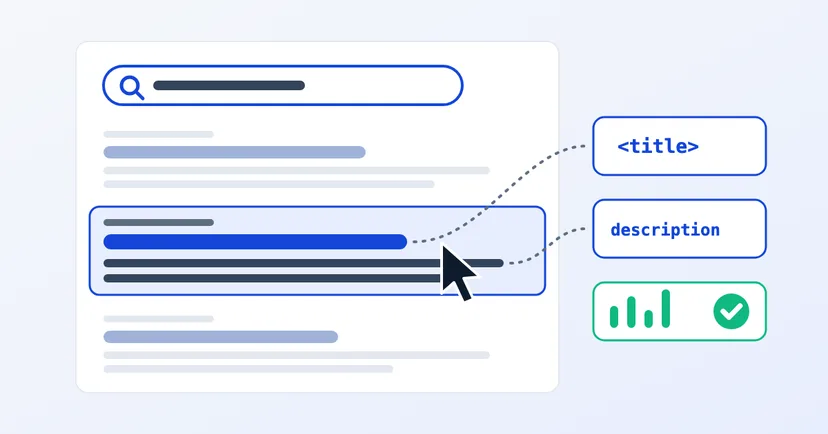
How to write clear page titles and meta descriptions, why Google sometimes replaces them, and how to check the result through CTR in Search Console.
Read the article →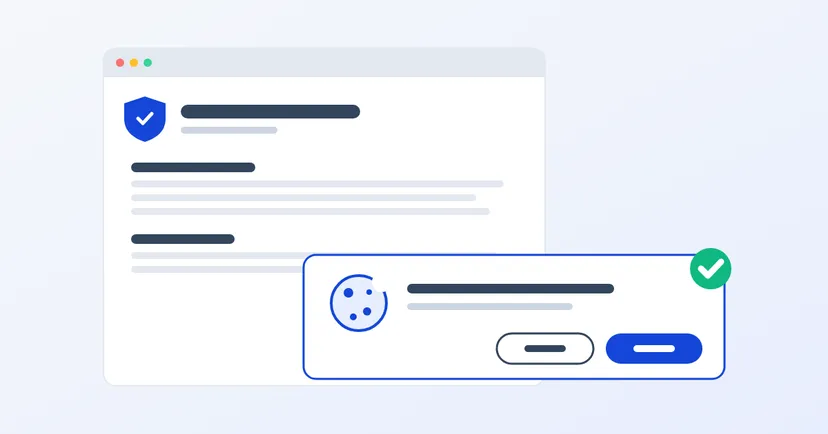
What a privacy policy for website owners in Indonesia must include under UU PDP: the required information, cookies, an honest consent banner, common mistakes.
Read the article →