Page Titles and Meta Descriptions That Get People to Click
How to write clear page titles and meta descriptions, why Google sometimes replaces them, and how to check the result through CTR in Search Console.
Read the article →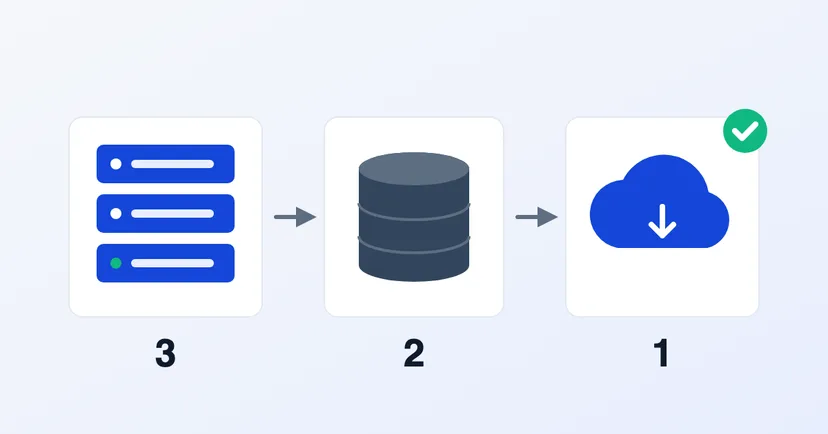
Almost every hosting provider says your website is "backed up". But the more important questions rarely get asked: where is that backup kept, who can delete it, and when was it last actually restored?
You only feel the value of a backup when something goes wrong: the website is hacked, data is deleted by accident or a server fails. That is when many companies find out their backup went down with everything else, stopped running long ago, or can't be used. This article explains the 3-2-1 rule, how to apply it to a company website, and how to make sure your backups can really be relied on.
The 3-2-1 rule is a backup guideline described by CISA, the US cybersecurity agency, in its paper on data backup options:
The rule was first written for files on office computers and servers. But the logic is exactly the same for a website: never let a single event wipe out the primary data and all its backups at once.
A website is more than the pages visitors see. WordPress's documentation, for example, splits a site into two parts that both need backing up:
A backup with files but no database, or the other way round, isn't enough to bring the website back as it was. Make sure both are on the schedule, whatever platform your website runs on.
For a website, "two different media" is best read as two separate storage systems, not two folders on the same server. WordPress's documentation gives a similar example: one copy on the hosting server, one in cloud storage and one on a local computer.
If your hosting or website provider handles backups, ask them these four questions:
If every backup sits on the same server or hosting account, one problem can wipe them all out: the hosting account is broken into, a late invoice gets the service suspended, or the server fails.
Attacks often go after backups too. CISA's #StopRansomware Guide notes that many ransomware variants try to find and then delete or encrypt any backups they can reach. That is why CISA recommends keeping offline, encrypted backups of critical data. For cloud backups, CISA also recommends delete protection and keeping multiple versions.
It depends on how often the website's content changes. A company profile website that rarely changes may be fine with weekly backups. A website that takes orders or form submissions every day needs more frequent backups, especially of the database.
A simple rule of thumb: if the website had to go back to the last backup, how much data could you afford to lose? If the answer is "not a single one of today's orders", a daily backup may not be enough.
What often gets forgotten is how long backups are kept. A hack is sometimes only discovered weeks later. If you only keep the last three days of backups, they may all contain the malicious code. WordPress's documentation recommends keeping several recent backups in different places, and it is worth keeping some older versions too.
CISA recommends regularly testing the availability and integrity of backups in a disaster recovery scenario. In practice, that means:
A good backup isn't the one made most often, but the one kept separately and proven to restore.
Want to make sure your company website has a proper safety net? Read also the basics of company website security, or get in touch to talk it through.
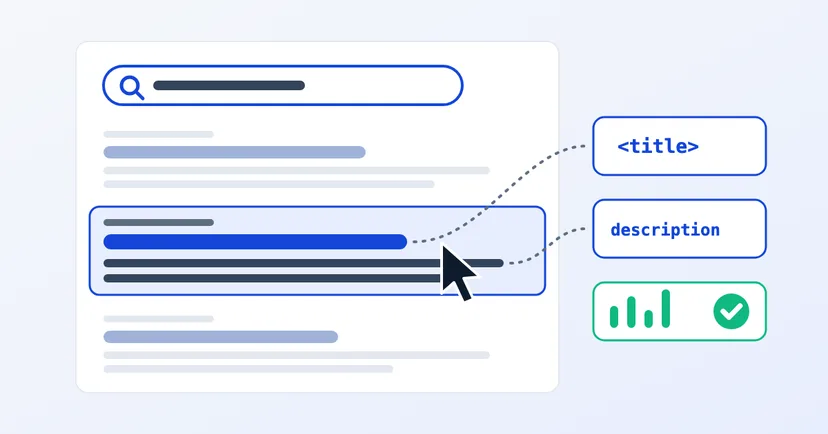
How to write clear page titles and meta descriptions, why Google sometimes replaces them, and how to check the result through CTR in Search Console.
Read the article →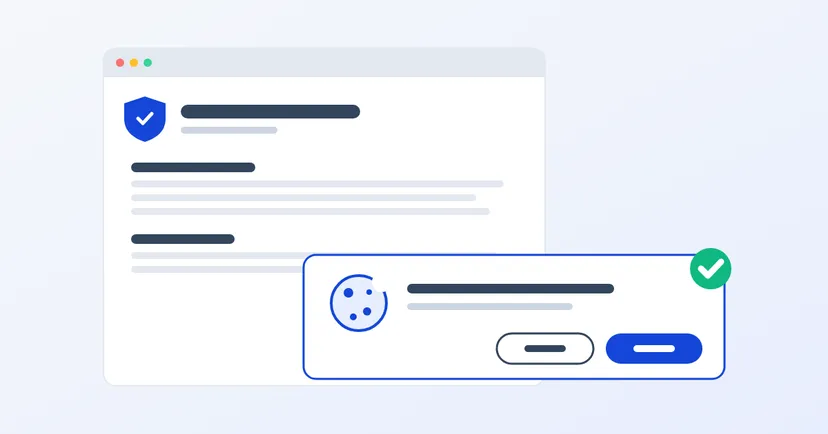
What a privacy policy for website owners in Indonesia must include under UU PDP: the required information, cookies, an honest consent banner, common mistakes.
Read the article →