How Much Does a Company Website Cost? The Factors That Decide the Price
Quotes for a company website can vary widely. Learn what drives the price and the running costs that are often forgotten before you choose a quotation.
Read the article →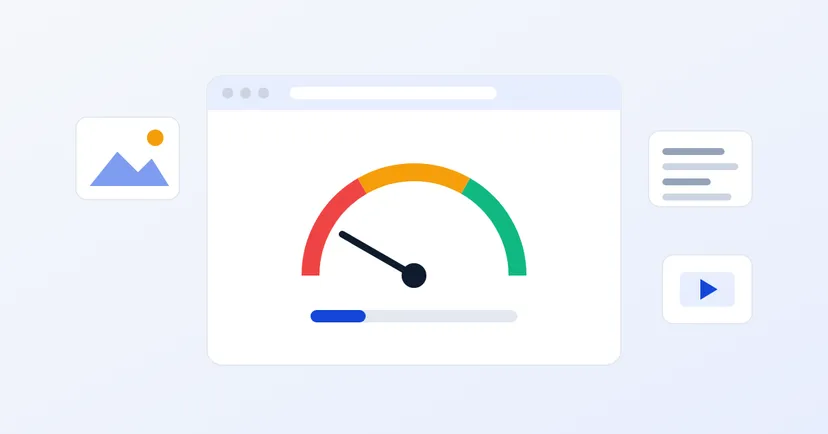
Prospective buyers who open your website are usually comparing several suppliers at once. If your page takes a long time to open, they simply press the back button and open a competitor's website. A slow website also finds it harder to compete in Google search results, because speed and user experience are among the things Google assesses.
The good news is that the causes of a slow website can usually be identified and fixed. This article covers the most common causes, how to check for them and the steps to fix them.
Every time a page opens, the browser has to download a lot of things: text, images, fonts, style files (CSS) and scripts. The more files there are and the larger they are, the longer the page takes to be ready to use. How quickly the server responds also plays a part.
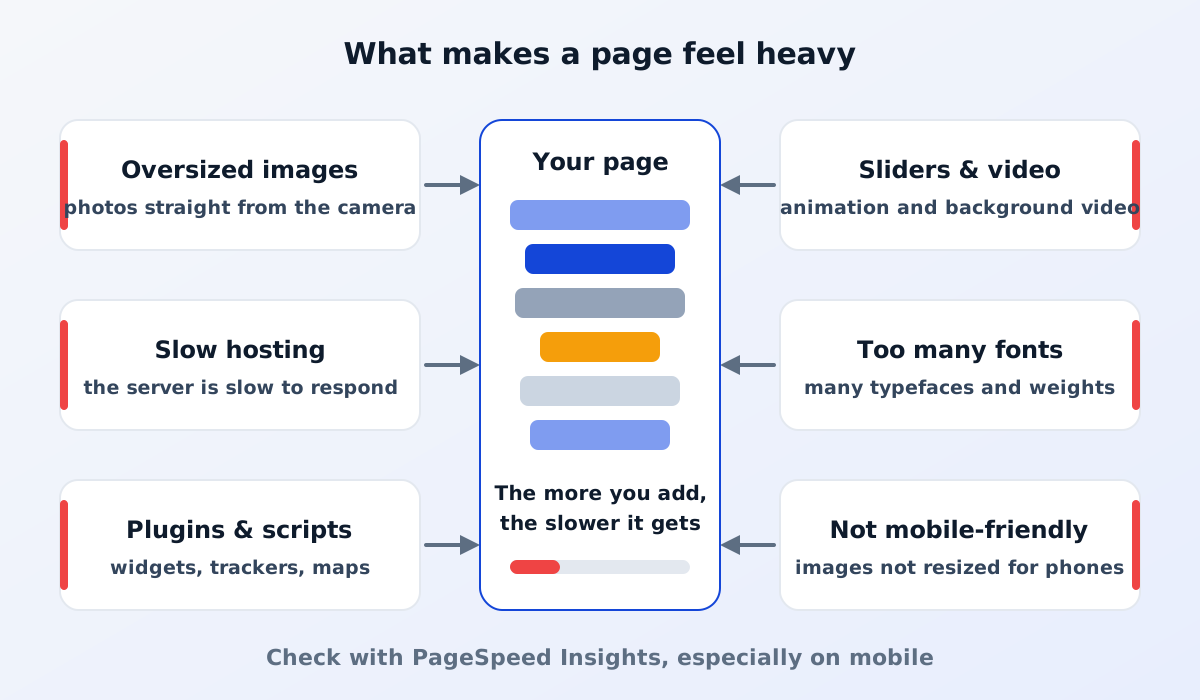
This is the most common cause. A photo straight from a camera or phone can be several megabytes, even though on screen it is only displayed a few hundred pixels wide. The browser still has to download the whole original file.
The solution is to resize images to the size they are displayed at and compress them before uploading. Modern formats such as WebP or AVIF usually produce smaller files while keeping good quality. A good CMS can do this automatically when an image is uploaded.
If the server is slow to respond, the page will be slow even when its content is light. This often happens with hosting shared by too many websites, or with a server located far from your visitors. A CDN, a network that serves the website from the location nearest to each visitor, can help.
Read also: what web hosting is and how to choose it.
Websites built with lots of plugins often load extra scripts and style files on every page, including pages that don't actually need them. The same goes for third-party scripts such as chat widgets, ad trackers, maps or embedded videos. Each one may look small, but together they can add significantly to the page's weight. For chat, a lightweight WhatsApp button is often enough.
Review the plugins and scripts you have installed. Remove the ones you no longer use, and load maps or videos only on the pages that need them.
A home page slider with many large photos, a background video and heavy animation make the browser work harder, especially on phones. One strong main photo and a clear message are often more effective, and lighter too.
Every typeface and weight is a separate file. Two typefaces with just a few weights are usually enough.
Many visitors open websites on their phones, over mobile connections that are not always stable. A website that feels fast on an office computer can feel slow on a phone. Make sure images are served at a size that suits the screen, and check the speed from a mobile device, not only from a computer. See also what often gets missed on a phone.
PageSpeed Insights is a free tool from Google that measures page speed. Here's how to use it:
Some terms you will come across:
If PageSpeed Insights also shows data from real users, that data reflects what your actual visitors experience. Check your product pages too, not only the home page.
Some of these steps you can do yourself in the CMS, such as replacing images that are too large. Others, such as changing the theme's structure or switching hosting, usually need to be handled by your website developer.
There is no single number that applies to every website, but Google provides guidance for metrics such as LCP, INP and CLS. In PageSpeed Insights, green results indicate good performance. Most importantly, your main pages should feel fast when opened on a phone.
Not always. Many problems can be solved by optimising images, reducing scripts and improving hosting. However, if the website is built on a very heavy theme with lots of plugins, rebuilding it on a lighter foundation can be the more efficient choice in the long run.
Speed and page experience are among the factors Google considers, although the relevance of your content is still what matters most. A fast website also keeps visitors around longer, which makes them more likely to contact you.
A fast website respects your prospective buyers' time, and buyers who feel respected are more likely to get in touch.
Learn how to get your company website on Google, or see our website services, designed to be light and fast from the start.
Quotes for a company website can vary widely. Learn what drives the price and the running costs that are often forgotten before you choose a quotation.
Read the article →
The basic steps for keeping a company website secure: HTTPS, regular updates, strong passwords and 2FA, user access rights, backups and protection from spam.
Read the article →