How Much Does a Company Website Cost? The Factors That Decide the Price
Quotes for a company website can vary widely. Learn what drives the price and the running costs that are often forgotten before you choose a quotation.
Read the article →
If your products are sold through distributors and resellers, your website has a harder job than a simple company profile. End buyers want to know where to buy. Existing resellers need the latest brochures and photos. Prospective partners want to know how to sign up.
The temptation is to add every feature at once: an online shop, a partner portal, a forum, an app. The result is often expensive and rarely used. This article covers the features that actually get used, and the ones that can usually wait.
Before choosing features, know who comes to your website:
Each feature below meets the needs of one of these groups. If it isn't clear who a feature is for, you probably don't need it.
Distributors and technical buyers often search by code or part number, not by name. A good catalogue has a separate page for each product, with the code, specifications, pack sizes and clear photos. The site search should find a product by its code. Add simple filters too, for example by category, material or size, and link each product to its datasheet on the downloads page.
The catalogue also becomes the single source of truth. If an old brochure in a reseller's hands disagrees with the website, the website is the reference. That is why the catalogue must be easy to update yourself through the CMS, without waiting for anyone else.
This is the feature resellers use most. Instead of sending files one by one over chat, put them all on one tidy downloads page:
Put an update date on every file, and remove old versions so they stop circulating. Google can index PDF files, but important information should still be on the normal product pages, because they are easier to read on a phone.
End buyers who find your products on Google will ask: where can I buy this? A distributor list answers that. Group it by province or city, and give each shop's name, address and contact details.
Two things are often forgotten. First, the list must be updated when a partner stops, so buyers don't go to a shop that no longer sells your products. Second, Google Business Profile: according to Google's guidelines, a business that sells another brand's products may not create a profile under that brand's name, unless it is an authorised and fully dedicated seller of that brand, such as a franchisee. So ordinary resellers should use their own shop name on Google Maps.
For prospective partners, create one page explaining who you are looking for, which areas are still open and what happens after they apply. Then provide a short form: company name, city, type of business, products of interest and contact details.
This form collects personal data, such as names and phone numbers. Indonesia's Personal Data Protection Law (Law No. 27 of 2022) requires a data controller to have a lawful basis for processing personal data. Explain next to the form what the data will be used for, and only ask for what you need.
Once a form is submitted, make sure someone follows up and replies, even if the answer is that the area is already taken. Prospective partners who never hear back rarely try again.
Many companies want a partner portal with a login: special price lists, stock levels and marketing material. It is useful, but only if someone updates it regularly. A portal with last year's price list does more harm than having no portal at all.
If you build one, pay attention to security. Every partner gets their own account, not one shared account. Turn on two-step verification: according to OWASP, multi-factor authentication is by far the best defence against the majority of password-related attacks. Revoke access as soon as a partnership ends.
If you aren't ready to maintain a portal, start with an open downloads page for general material, and send price lists by email.
These features can be added later if the data shows they are needed. If budget is tight, a sensible order is: catalogue, downloads page, distributor list, partner form, and only then a partner portal.
A website for a distributor network isn't about having the most features. It's about information that is correct, easy to find and always up to date.
Learn about our product catalogue website service for manufacturers and distributors. Read also tips on product photos for your website and how to add a WhatsApp button without getting in the way.
Quotes for a company website can vary widely. Learn what drives the price and the running costs that are often forgotten before you choose a quotation.
Read the article →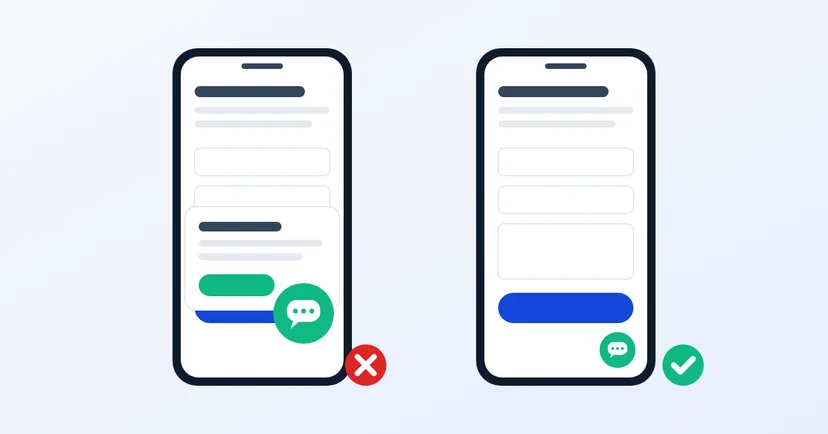
How to add a WhatsApp button for website visitors: the right wa.me link, a position that covers nothing, no heavy widgets, a team ready to reply, and tracking.
Read the article →