How Much Does a Company Website Cost? The Factors That Decide the Price
Quotes for a company website can vary widely. Learn what drives the price and the running costs that are often forgotten before you choose a quotation.
Read the article →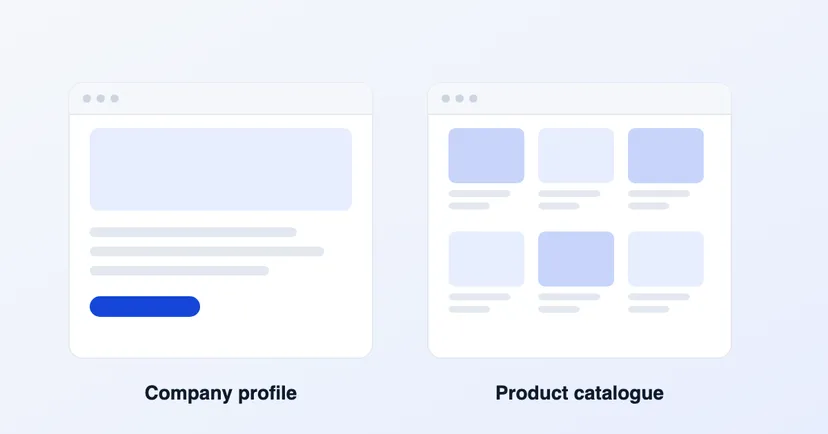
The two types of website companies need most often are the company profile website and the product catalogue website. Both matter, but they serve different purposes. Choosing the right one decides whether your website genuinely helps you sell or just sits there for show.
This article explains the difference between the two, how they are used in different industries, and how to decide which suits your business best.
A company profile website works as a digital business card. It explains who your company is, what you do and how customers can get in touch.
It usually consists of these pages:
A company profile suits service companies, contractors, consultants and any business whose sales happen through meetings and quotations rather than customers picking products one by one. What you are selling is trust: experience, capability and past work.
A product catalogue website shows your products in full: photos, specifications, categories, materials and uses. Customers can browse products on their own before contacting your sales team.
A catalogue suits:
With a catalogue, your sales team doesn't have to explain the same things over and over. Prospects arrive with more specific questions, so quoting moves faster.
The most visible difference is the structure. A company profile has a few pages with in-depth content, while a catalogue has many pages organised into categories.
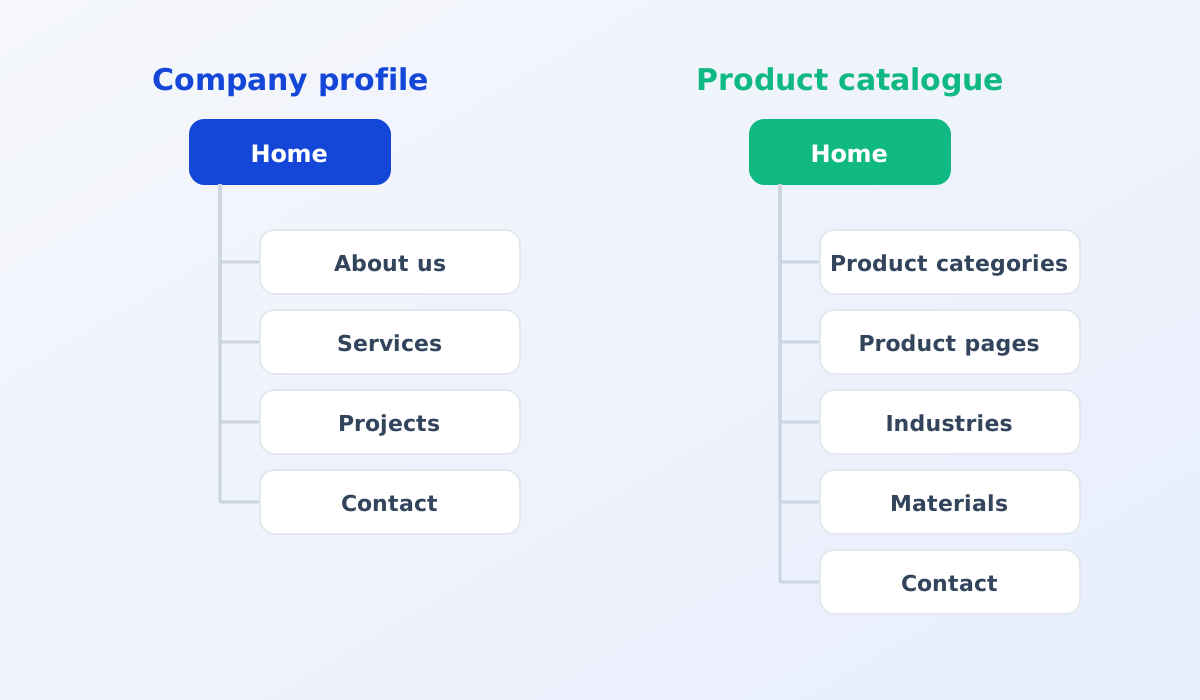
The structure also affects how the website is managed. A company profile rarely changes, whereas a catalogue needs updating every time there is a new product, a change in specifications or new photos. If your catalogue has so far been a PDF, read PDF catalogue or website catalogue.
Every page on your website is a chance to appear in search results. A company profile is usually found by people searching for the company name or for a type of service in general.
A catalogue has the advantage here: every product has its own page, so more pages can appear in Google search. Prospects looking for a specific product, for example a particular material or size, can land directly on your product page, even if they have never heard of your company. See also product pages for Google and for buyers.
Ask yourself: how do customers decide to buy?
Some signs that you need a catalogue:
Many companies, especially in manufacturing, need both: profile pages to build trust, plus a catalogue to help customers find the right product.
What matters is that your team can update the catalogue themselves. New products, changed specifications or new photos should be added without waiting for a developer. That is what a CMS is for. Read more in What is a CMS.
Whichever type of website you choose, the following content helps prospects make a decision:
Start from your customers' needs, not from a list of features. A simple website that hits the mark will work better than a large website customers don't use.
Quotes for a company website can vary widely. Learn what drives the price and the running costs that are often forgotten before you choose a quotation.
Read the article →
The basic steps for keeping a company website secure: HTTPS, regular updates, strong passwords and 2FA, user access rights, backups and protection from spam.
Read the article →