How Much Does a Company Website Cost? The Factors That Decide the Price
Quotes for a company website can vary widely. Learn what drives the price and the running costs that are often forgotten before you choose a quotation.
Read the article →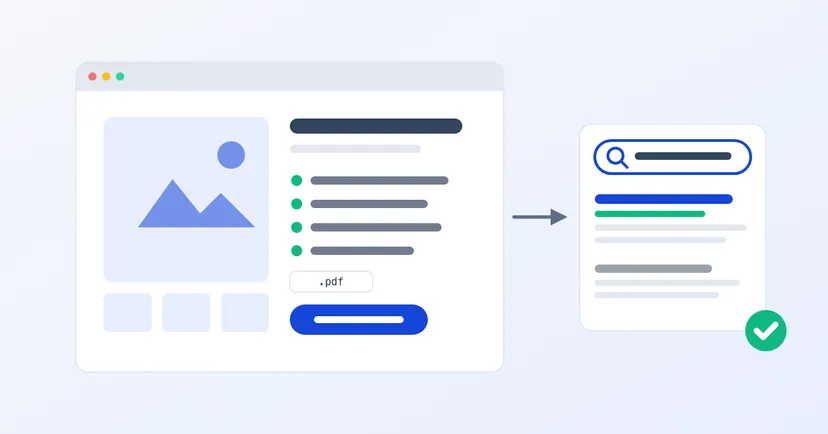
Many company websites have product pages with nothing but a photo, a product name and a "Contact Us" button. Buyers who arrive from Google have to guess the rest: what size it is, what it is made of, how much they can order. Most of them won't guess. They go back to the search results and open another website.
The good news is that a page that helps buyers is usually easier for Google to understand too. This article walks through what a product page needs to work for both, step by step.
B2B buyers open a product page with a list of questions in their head. Before you write anything, collect those questions from your sales team. The most common ones are usually:
Every question answered on the page saves one back-and-forth chat with sales. Buyers who contact you after reading it are usually more serious, too.
The first thing people see in search results is the page title. Google recommends a title that is unique to each page, clear, concise and an accurate description of the page. For a product page, a title that names the type of product and what sets it apart almost always beats an internal code or a series name on its own.
The page address helps as well. Google suggests addresses that contain words useful to people, not strings of random numbers. Compare /products/plastic-pallet-1200x1000/ with /products?id=3381. The first one reads at a glance.
Then write a meta description: a short summary unique to that page, with its most important points. Don't use one description for every product.
Many distributors copy the manufacturer's brochure text as it is. According to Google, the same content in several places isn't a breach of its spam policies. But Google also advises against copying other people's work, and suggests writing from your own knowledge. If your description is identical to dozens of other websites, neither Google nor a buyer has a strong reason to pick your page.
What you can add that a brochure can't: your team's experience with the product, the questions customers often ask, and ordering information from your own company. Use short paragraphs and subheadings. Google lists text that is easy to read and well organised as one of the signs of useful content.
Buyers want to see the real product: from several sides, with close-ups of joints or surfaces and, if possible, in use. Google also notes that sharp photos appeal to users more than blurry ones.
A few small things help Google understand your photos:
Read also: product photos for your website.
Structured data is extra code that describes a page to Google in a standard format. For products, Google uses the Product format. If the requirements are met, your page can appear with extra information in the search results, such as a price or a rating.
A few things to know before you ask your web developer for it:
You can check the result with Google's Rich Results Test. It catches most technical errors, but not all of them.
A good product page always shows buyers what to do after reading. For B2B, that is usually a quote request button that carries the product name into the form, so the buyer doesn't have to type it again. A WhatsApp button can be a second option, as long as it doesn't cover the page content.
Read also: a request for quote form that works.
A good product page answers buyers' questions before they have to ask. Google tends to reward pages like that.
Want product pages organised like this across your whole catalogue? See our product catalogue website service, or get in touch to talk about what you need.
Quotes for a company website can vary widely. Learn what drives the price and the running costs that are often forgotten before you choose a quotation.
Read the article →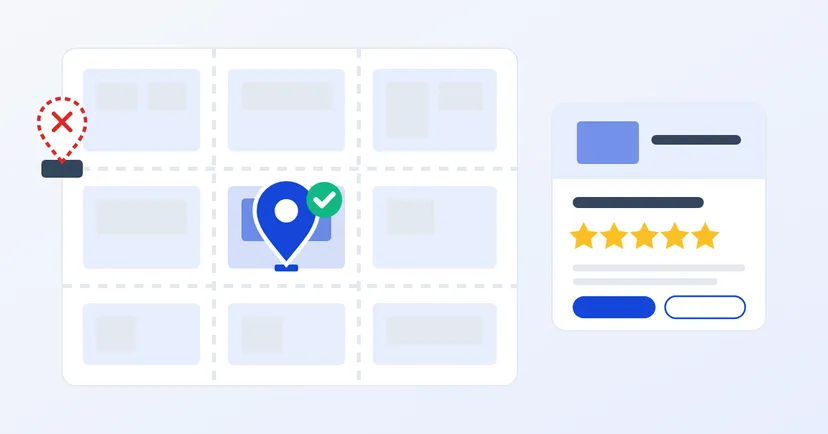
Local SEO for factories and warehouses in industrial estates: a correct Business Profile, block and plot addresses, a pin on the right gate and genuine reviews.
Read the article →