Page Titles and Meta Descriptions That Get People to Click
How to write clear page titles and meta descriptions, why Google sometimes replaces them, and how to check the result through CTR in Search Console.
Read the article →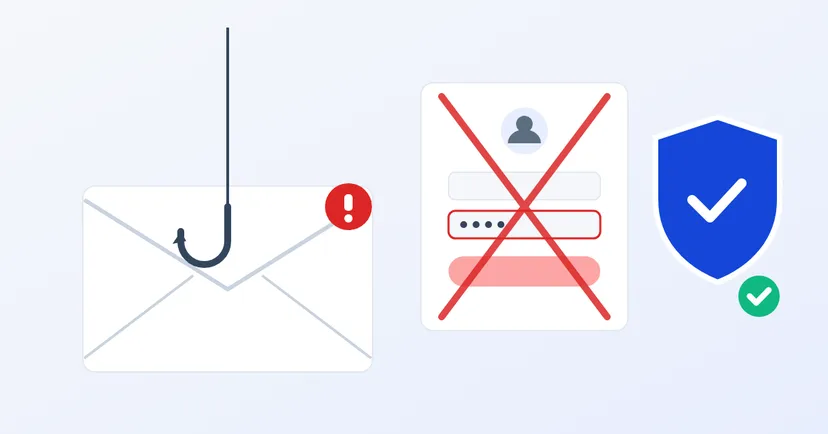
Someone in finance receives an email from a regular "supplier": this month's invoice, but with a different bank account. Someone in admin receives a message saying their mailbox is full and they need to log in again through a link. Both look like ordinary work. That is exactly how phishing works: not through a complex technical weakness, but through employees' everyday habits.
This article covers how to recognise phishing emails aimed at employees, the scams that cost companies the most, and realistic prevention steps, based on guidance from the US and UK cyber security agencies.
Breaking into a company's systems technically takes effort. Persuading one person to type a password into a fake page is far easier. Staff in finance, purchasing, HR and admin are targeted most often, because they hold access to money, data or important accounts.
The NCSC, the UK's cyber security agency, makes one important point: no training, including phishing simulations, can teach employees to spot every phishing attempt. So protection must not rely only on how sharp-eyed employees are. A company needs several layers of protection at once.
CISA, the US cyber security agency, lists some common signs to watch for:
In day-to-day work, phishing often looks like a delivery notification, an invoice with an attachment, an invitation to a shared document or a warning that your email password must be updated. A simple habit helps: hover over a link before clicking to see where it really goes, and if in doubt, open the official website or app directly rather than through the link in the email.
The FBI calls this business email compromise (BEC): a scam aimed at businesses and people who handle fund transfers. The scammer poses as a supplier, a customer or a boss, then asks for payment to a new account or an urgent transfer.
The FBI's advice for preventing it is clear: use a second channel to verify any request to change account details. In practice, that means:
According to the NCSC, blaming employees who click links doesn't solve the problem. People click because they are busy, tired or because the email is genuinely convincing. What matters far more is that employees feel safe reporting it straight away, because the sooner an incident is known, the smaller the damage.
Prepare short steps everyone knows:
If phishing leads to the company website being hacked, follow our guide to the first steps in 24 hours.
The NCSC recommends layered defences. For a mid-sized company, the most sensible layers are:
Training is still needed, as long as it has the right aim. Show real examples that look like the everyday emails in your company, teach the signs above and practise how to report. The NCSC recommends measuring the number of reports, not just the number of clicks. Employees who report suspicious emails are a valuable early warning system.
Include this in onboarding for new employees, because they don't yet know which suppliers and managers usually send emails. Repeat it briefly a few times a year, and share examples of suspicious emails that actually reached your company, without naming who received them, of course. Real examples from your own inboxes are far easier to remember than textbook ones.
Employees aren't the weak point if they know the signs, have a way to report and aren't afraid of being blamed.
Want to make sure your company email and website have the right basic protections, from DMARC to two-step verification? Get in touch to talk it through.
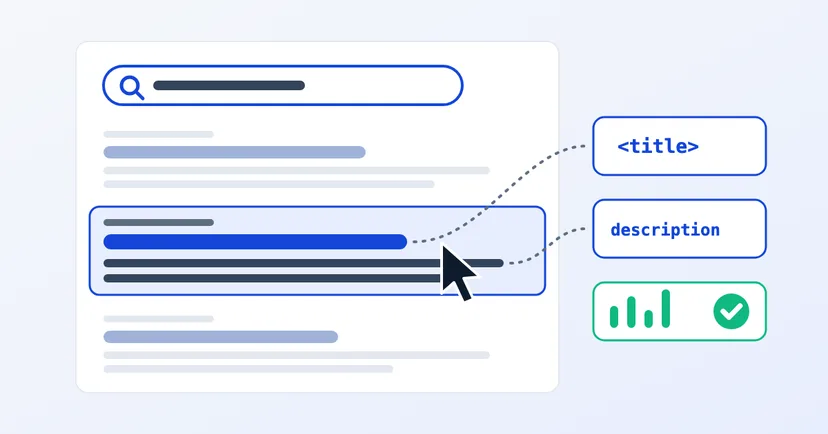
How to write clear page titles and meta descriptions, why Google sometimes replaces them, and how to check the result through CTR in Search Console.
Read the article →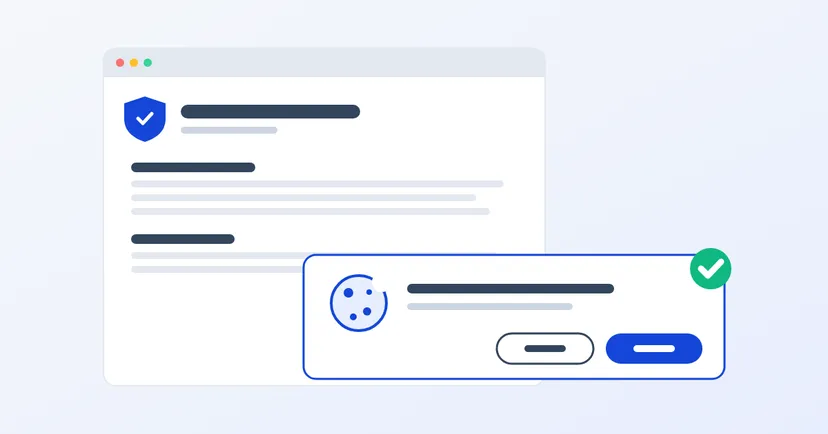
What a privacy policy for website owners in Indonesia must include under UU PDP: the required information, cookies, an honest consent banner, common mistakes.
Read the article →