Almost every manufacturer and distributor has a PDF catalogue. The sales team sends it by WhatsApp or email whenever a potential buyer asks. The trouble starts as the range grows: the file gets bigger, several versions are in circulation, and buyers ask about products you no longer make.
So the question comes up: should the catalogue move to the website, or is a PDF enough? The answer is rarely black and white. This article covers the strengths and weaknesses of each, and how to use both together.
The difference, in short
A PDF catalogue is one file containing every product, usually made by a designer and laid out like a book. A website catalogue is a set of pages: one page for each product or product series, grouped by category and edited through a CMS.
The content can be exactly the same. What differs is how the catalogue is shared, found and updated.
Strengths of a PDF catalogue
- Easy to send. One file, attached to a chat or an email.
- Works offline once downloaded. Useful for sales staff visiting project sites or factories with a weak signal.
- The look is under control. Layout, colours and page order stay exactly as the designer intended.
- Printable for trade shows, meetings, or buyers who prefer reading on paper.
- Feels official. Some procurement teams still ask for a catalogue file to attach to their internal paperwork.
Weaknesses of a PDF catalogue
The biggest weakness of a PDF shows up after it has been sent. Once it is on a buyer's phone, you can't correct it. If a specification changes or a product is discontinued, the old version keeps circulating and gets forwarded from one person to the next.
There are a few other problems:
- Heavy on a phone. A catalogue full of high-resolution photos can run to tens of megabytes. On a phone, the buyer has to download all of it, then zoom and scroll around pages designed for paper.
- Hard to search. If the PDF was made from scans, or its text was turned into images, buyers can't search it for a product code.
- No data. You don't know which products are viewed most, or which pages get read to the end.
- Weaker in Google. Google can index PDF files. But one file holding hundreds of products struggles to appear for a search about one specific product, compared with a page dedicated to that product.
Strengths of a website catalogue
- Always the latest version. Change a specification once in the CMS, and everyone who opens the link sees the new version. Sales staff send a link, not a file.
- Findable on Google. Each product has its own page with its name, code and specifications. That gives it a chance to appear when people search for a particular product name or code.
- Comfortable on a phone. Web pages adapt to the screen. Google also uses the mobile version of your site for indexing and ranking, so how it looks on a phone really matters.
- Searchable and filterable by category, material or size.
- You get data. With an analytics tool such as Google Analytics, you can see which products are opened most and where visitors come from.
- Straight to action. Every product page can carry a button to request a quote or ask a question on WhatsApp.
Weaknesses of a website catalogue
A website catalogue has its own drawbacks, and it is better to know them from the start:
- Upfront work. Every product needs tidy photos, a description and specifications. For hundreds of products, that is several weeks of work.
- Someone has to maintain it. A website catalogue only wins if its content is genuinely kept up to date. A page showing products that no longer exist is as bad as an old PDF.
- Needs a connection. Buyers can't open it where there is no signal, unless they save the page first.
- Not practical to print in full, if a buyer wants one complete document.
The middle way: the website as the source, PDFs derived from it
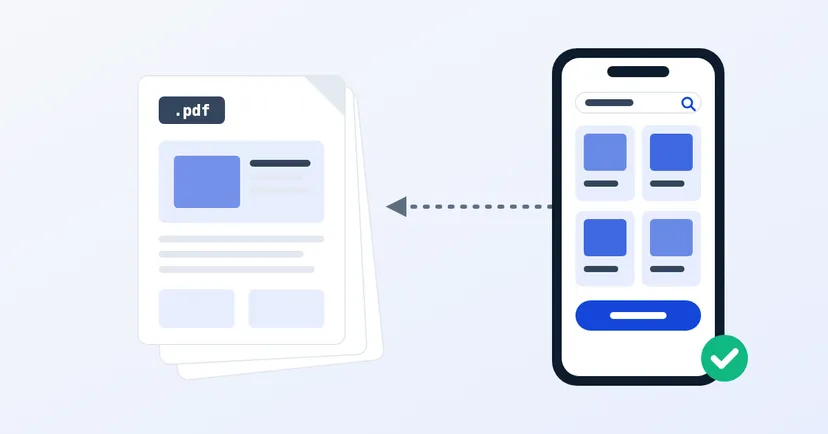
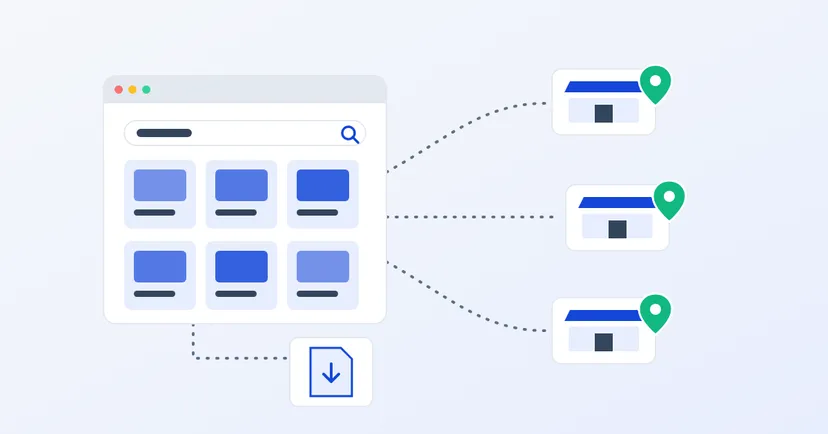
For most B2B companies the choice isn't one or the other. What usually works is this: the website is the main source that is always right, and the PDFs are derived from it.
- Every product has a page on the website. That is what sales staff send and what people find on Google.
- PDFs are still offered on a downloads page, for example a full catalogue per category and a datasheet per product, for buyers who need a file.
- Each PDF carries a date or version number on its first page, and old versions are removed from the website.
- Use a fixed file address, for example one address for the "latest catalogue", and replace the file when a new version comes out. Links already shared then point to the latest file.
- Each product page links to its datasheet, and each PDF gives the website address for the latest information.
If your website uses Google Analytics with enhanced measurement turned on, clicks on PDF files can be recorded as file downloads. So you still know which catalogues are downloaded most.
How to start without getting overwhelmed
- Start with your best sellers. There is no need to move the whole catalogue at once. Begin with the 20 to 30 products people ask about most.
- Put the data in one table. Code, name, category, specifications and photo file name. The table makes it easier to fill the CMS and to produce the next PDF.
- Decide who updates it and when, for example whenever there is a new product or a specification change.
- Change the sales team's habit. Ask them to send a link to the product page, not a file. This decides more than anything whether the website catalogue is actually used.
- Add the rest gradually, while watching which products people search for most.
A PDF is good for taking away. A website is good for being found and always being right. Use both, but decide which one is the source.
See our product catalogue website service for manufacturers and distributors. Read also the website features distributors and resellers actually use and tips for product photos on your website.