Backlinks for a Company Website: Safe Approaches and What to Avoid
How to get backlinks for a B2B company website safely: sensible sources, Google's rules on paid links, checking them in Search Console, and if you bought some.
Read the article →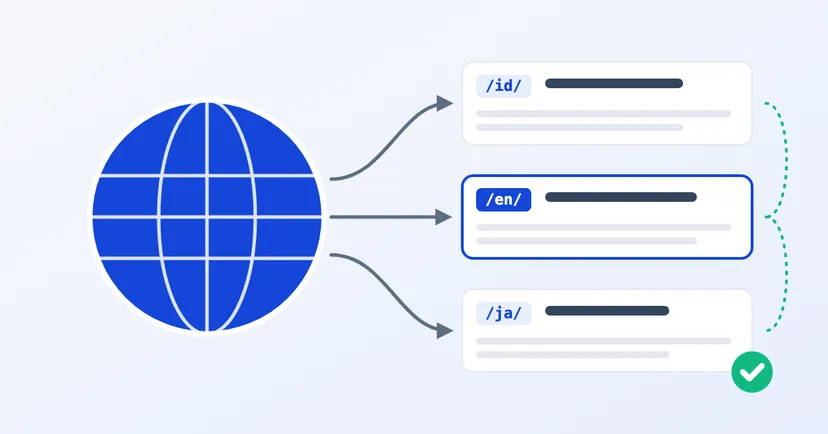
Prospective buyers in Malaysia, Japan or the Middle East look for suppliers in their own language. If your website is only in Indonesian, your pages are very unlikely to appear in their searches, however good your products are.
Adding languages is the first step. But for those foreign-language pages to be found and trusted, a few technical and content matters need to be set up properly. This article goes through them one by one, with a focus on Google.
Language and country are two different things. English is used by buyers in many countries. Equally, one country can have buyers who search in more than one language.
Start from the data you already have: where your export enquiries have come from so far, where you ship to, and which markets your sales team is targeting. Two languages that are well maintained are better than five that are half finished.
Each page should use one language for its content and navigation. Google advises against side-by-side translations on one page, such as Indonesian and English text laid out next to each other.
Google recommends a different address (URL) for each language version. There are several ways to structure it:
Read also: .co.id or .com domain before you decide on the address for your export website.
Hreflang is a marker in a page's code that tells Google the page has versions in other languages. It helps Google show the version best suited to the searcher's language or region.
What your web developer needs to make sure of:
One common misunderstanding: Google doesn't use hreflang or the lang attribute to work out a page's language. It uses the visible content. So an "English" page whose text is still half Indonesian won't be saved by any code.
Many websites send visitors to a particular language version based on their location or browser settings. Google advises avoiding automatic redirects like this, because visitors and search engines may never see the other versions. Google also advises against adapting content based on IP address analysis.
It's better to give every page a clear language switcher and let visitors choose for themselves.
Translating only the menu and headings while the main content stays in Indonesian makes for a poor experience. Translate the page content, especially product pages and the contact page.
Be careful with machine translation that nobody checks. In its spam policies, Google lists generating many pages from copied content through automated transformations, including translation, with little value for users, as an example of scaled content abuse. Ask a speaker who knows your field to check the technical terms.
Do keyword research in the target language too. The terms buyers use in other countries aren't necessarily direct translations of the Indonesian ones.
Overseas buyers have different questions from local ones. As an invented example, picture a rattan furniture maker in Cirebon that wants to sell to Europe. Its export pages need to answer:
For our invented rattan maker, European buyers also want close-up product photos, dimensions and weight per unit, and how goods are packed for container shipping. Answers like these cut down on back-and-forth emails, which feel slow when time zones are far apart. Buyers who find the answers on your website can also compare you with other suppliers more easily, and decide sooner to ask for a quote.
A good export website feels as if it was written for its buyers, not translated for them.
Read also multilingual websites for manufacturers, or see our multilingual website service. If you'd like to talk about your export markets, get in touch.
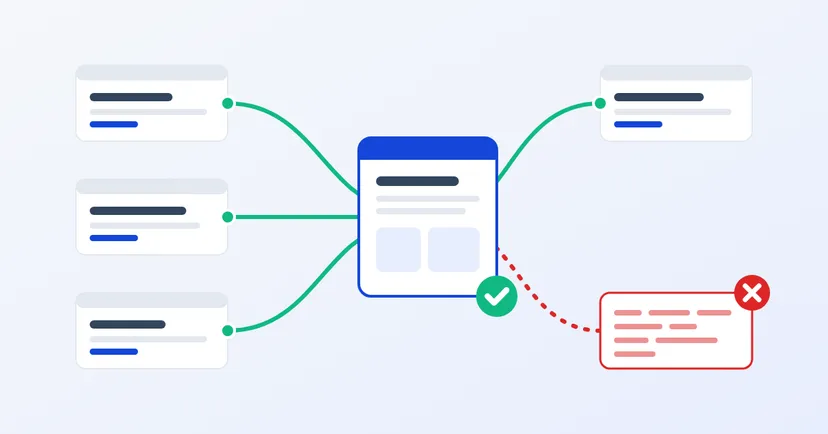
How to get backlinks for a B2B company website safely: sensible sources, Google's rules on paid links, checking them in Search Console, and if you bought some.
Read the article →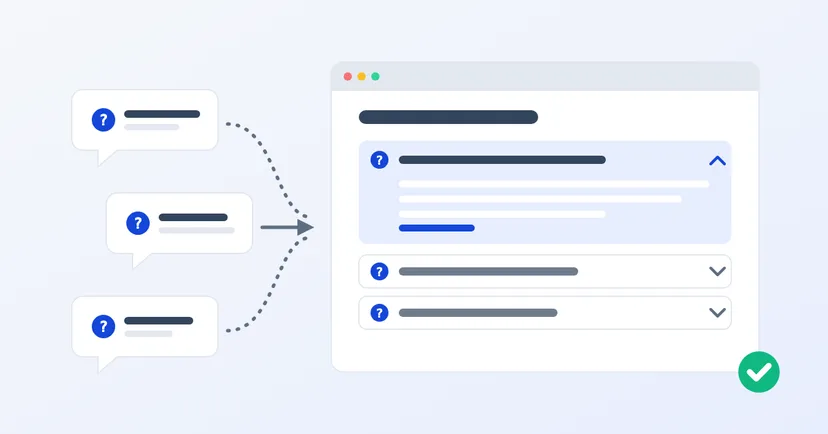
How to build an FAQ page from real customer questions, write answers that help, and what it means now that Google no longer shows FAQ rich results in Search.
Read the article →