How Much Does a Company Website Cost? The Factors That Decide the Price
Quotes for a company website can vary widely. Learn what drives the price and the running costs that are often forgotten before you choose a quotation.
Read the article →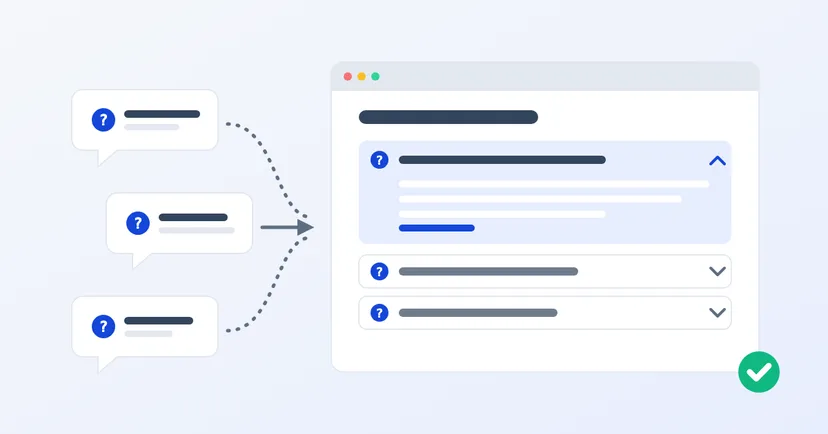
Every day your sales or admin team answers the same questions on WhatsApp. What's the minimum order? Can you ship outside Java? How does payment work? They know the answers by heart, but still have to type them out again for every prospective buyer.
A good FAQ page answers those questions once, for everyone. Written well, it can also bring visitors from Google. This article explains how to put one together, including one change at Google this year that you should know about.
The first benefit has nothing to do with Google. B2B buyers often compare several suppliers at once, and many read outside working hours. If the answer is already on your website, they don't have to wait for a reply to move forward. As a bonus, new sales staff get the same reference answers, so customers don't hear different things from different people.
The second benefit does come from search. According to Google, the text snippet under a search result title is mainly created from the page content itself. Google picks the part that best matches the person's search. So a question answered clearly on your page can appear directly as the snippet when someone searches for something similar.
Many websites used to add FAQ structured data so that questions and answers appeared as an expandable list right in the search results. From 2023, that display was limited to well-known government and health websites. Google then announced that the FAQ display would no longer appear in Google Search from 7 May 2026, and it has removed the documentation.
So if someone offers to "add FAQ schema so you show up bigger on Google", that offer no longer holds. The value of an FAQ page now lies in its answers.
What about AI Overviews and AI Mode in Google? Google says there are no additional requirements or special optimisations to appear there. The page just needs to be indexed and eligible to be shown with a snippet in Google Search. Normal SEO practice still applies.
Poor FAQ pages are usually full of questions the marketing team made up, such as "Why choose us?". No buyer asks that. Take your questions from real sources:
Write them down in the customer's own words. Turning customer questions into keywords is covered in more detail in keyword research for B2B businesses.
As an invented example, picture a cardboard box manufacturer in Tangerang. An unhelpful answer: "The minimum order depends on your needs, please contact us." A better one: "For plain boxes in standard sizes, the minimum order is 500 pieces. For boxes with a printed logo, it is 1,000 pieces, because a printing plate has to be made. Custom sizes are priced per order: send us the size and quantity through the quote form." The buyer knows where they stand, and what to do next.
If you have more than ten questions, group them by topic: ordering, payment, delivery, products and after-sales service. Visitors can then jump straight to the section they need.
You also don't have to put every question on one page. General questions about the company belong on the FAQ page. Questions about a single product are more useful answered on that product's page, right where the buyer is reading.
Connect those pages with links. Google names internal links between your own pages as one of the fundamentals that still apply, including for AI features in Google Search.
A wrong answer does more harm than no answer. If the FAQ still promises free delivery that you stopped offering, your sales team is the one explaining it to a disappointed customer.
Make one person responsible for the FAQ page. Whenever prices, policies or products change, the FAQ gets checked too. Now and then, open the Performance report in Search Console to look for new searches. They often turn out to be the next question worth answering.
A good FAQ page is written from the sales team's inbox, not from the marketing team's desk.
Want an FAQ page that is well organised and easy to update yourself? Read also how to get your website on Google, or get in touch to talk about your website.
Quotes for a company website can vary widely. Learn what drives the price and the running costs that are often forgotten before you choose a quotation.
Read the article →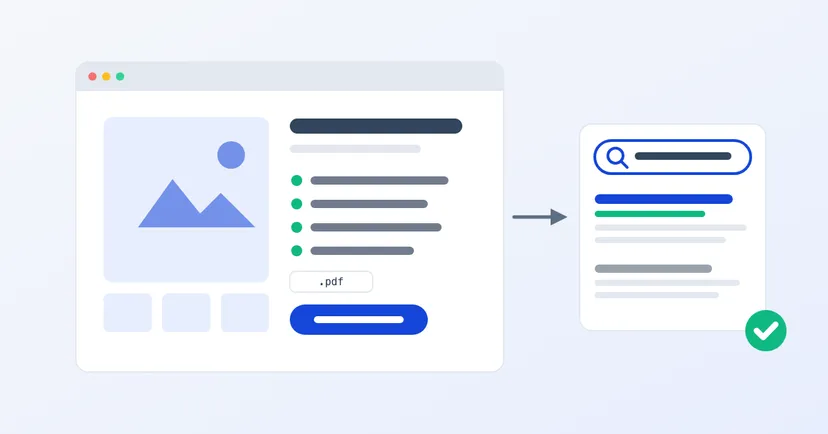
Product page SEO for B2B: full specs, a clear title and URL, original descriptions, photos that answer questions, structured data and one clear quote button.
Read the article →