Page Titles and Meta Descriptions That Get People to Click
How to write clear page titles and meta descriptions, why Google sometimes replaces them, and how to check the result through CTR in Search Console.
Read the article →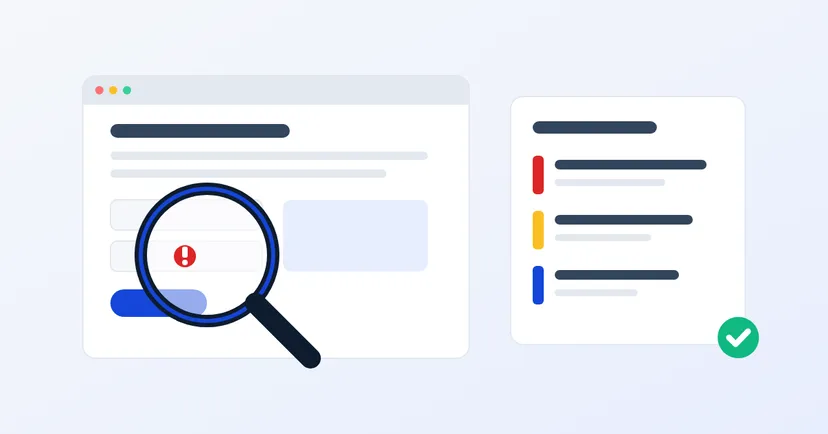
You may have heard the word "pentest" from a vendor, an auditor or a large prospective customer asking, "Has your system ever been security tested?" The question is simple, but the answer is often confusing. What exactly gets tested, how is it different from an automated scan, and does a business of your size really need one?
This article explains penetration testing in plain language: what it is, when it is worth doing, when it isn't needed yet, and what to prepare so the results are actually useful.
Penetration testing, or pentesting, is security testing that imitates a real attack. NIST, the US standards body, defines it as testing in which assessors mimic real-world attacks to find ways of getting around the security features of an application, system or network.
The difference from hacking comes down to one thing: permission. A pentest only happens with the system owner's written approval, within an agreed scope and rules of engagement. The aim is not to cause damage but to find the holes first, so you can close them before someone else uses them.
According to the same NIST guide, a good pentest doesn't stop at a single weakness. The tester also looks at whether several small weaknesses, combined, could open up wider access. For example, an account with a weak password plus an admin page that doesn't restrict access rights.
What gets tested varies with your needs. There are pentests of websites and web applications, including the APIs behind mobile apps. There are infrastructure pentests of servers and services exposed to the internet. And there are internal network pentests, which show how far an attacker could move once inside the office network.
Many people assume a pentest is the same as running a vulnerability scanner. Both are useful, but they aren't the same thing.
NIST recommends combining the two: regularly scheduled scans, interspersed with periodic pentests. So the choice isn't one or the other, but how often to do each.
There is no single answer for every company. But some situations are usually a sign that a pentest is worth considering:
A pentest isn't the first step for everyone. If your website is a company profile with no customer login, start with the basics of website security: regular updates, two-step verification, separate backups and checking for files left exposed by accident. A lighter check is usually the better fit at this stage.
The same goes if you already know about a lot of unfinished work, such as software that hasn't been updated for years. NIST notes that testing can be delayed until known weaknesses have been fixed. Paying someone to find problems you already know about isn't a good use of budget.
A pentest report is only useful if you act on it. NIST stresses that results should be taken seriously, the vulnerabilities fixed and the results presented to management. In practice, the order is:
A good report also notes what is already secure, so your team doesn't waste time changing things that don't need changing. Keep the report as a baseline for the next test: it lets you see whether the number and severity of holes is going down year by year.
A pentest isn't a "secure forever" stamp. It gives you a picture of your system's security at the time of testing, and a clear to-do list for fixing it.
Want to know how we work, from written permission to retesting? Read our testing methodology, see our pentest service, or request a quote for your system.
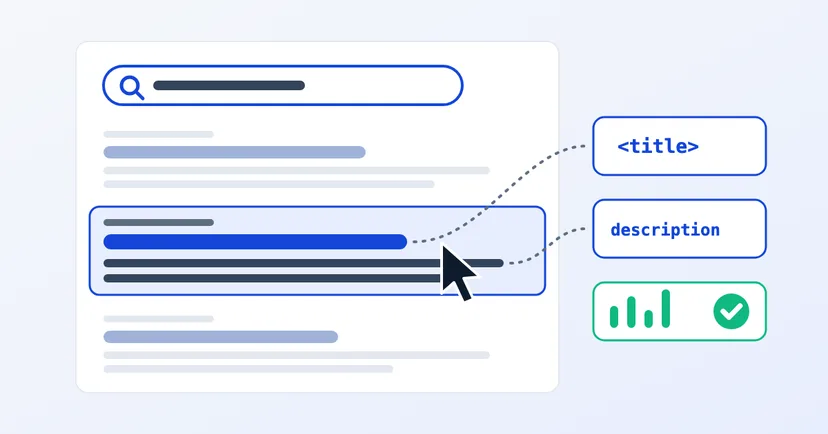
How to write clear page titles and meta descriptions, why Google sometimes replaces them, and how to check the result through CTR in Search Console.
Read the article →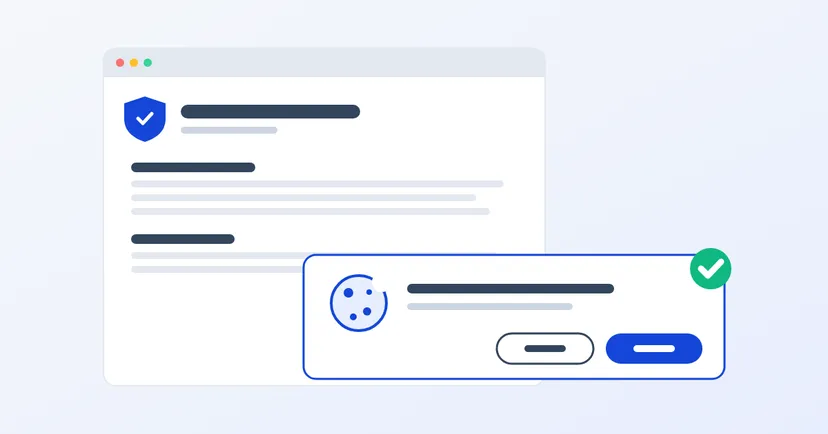
What a privacy policy for website owners in Indonesia must include under UU PDP: the required information, cookies, an honest consent banner, common mistakes.
Read the article →