How Much Does a Company Website Cost? The Factors That Decide the Price
Quotes for a company website can vary widely. Learn what drives the price and the running costs that are often forgotten before you choose a quotation.
Read the article →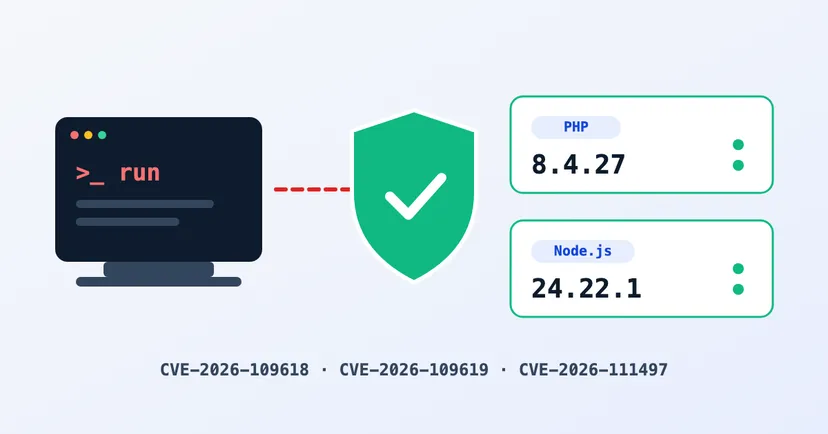
On 21 October 2026, the PHP and Node.js teams both shipped emergency security updates. Both releases close the most feared kind of flaw in security: one that lets someone else run code on your server from afar, known technically as remote code execution (RCE). PHP had two such flaws, both rated critical. Node.js had one, rated "high".
If your company website, online shop or web app runs on PHP or Node.js, this article explains what this means for your business, which versions are safe, and what to ask your IT team or hosting provider today.
Think of your website’s server as an office. An ordinary flaw might let someone peek through the window. An RCE flaw lets them walk in and use the computers inside, with no key and no login, just by sending a request to your website over the internet.
If a flaw like this is exploited, the attacker can do anything your website itself can do on the server. For example: change your pages, slip spam links or malware in front of your visitors, read stored data such as contact-form messages and database settings, or use your server to attack others. The damage is not only technical: browsers can block the site, it can drop out of Google, and customer trust suffers.
That is why RCE flaws always come first. These attacks usually run automatically, from programs that scan thousands of websites at once. A website is picked not for its size, but because it has not been updated.
The PHP team released versions 8.5.12, 8.4.27, 8.3.36 and 8.2.35, and urges all PHP users to update immediately. Both flaws are scored CVSS 9.2 out of 10, rated critical:
All PHP versions below 8.2.35, 8.3.36, 8.4.27 and 8.5.12 are affected. The advisory names Apache mod_php as the clearest case. PHP-FPM, often used with Nginx, is also considered vulnerable under certain conditions. The PHP team is clear that there is no complete workaround other than updating.
One important note: PHP 8.2 stops receiving security fixes on 31 December 2026. If your website is still on PHP 8.2 or older, plan a move to a newer version.
Node.js released versions 22.23.4, 24.22.1 and 26.12.1. The most serious flaw is CVE-2026-111497, in the part that unpacks Brotli-compressed data. According to the Node.js team, it can permit remote code execution. It is rated "high", one step below critical, but still needs closing quickly. It affects all three supported lines: 22, 24 and 26.
The same release closes nine other flaws, three of them also "high": two about TLS certificate checks and one about the dns.resolve function. The rest are medium and low. Bundled components such as OpenSSL, c-ares and Undici were updated too. The Node.js team reminds users that End-of-Life versions are always affected whenever a security release happens.
Many company websites in Indonesia run on PHP without the owner knowing it. WordPress runs on PHP, for example, as do many other CMSs and most ordinary cPanel hosting. Node.js is more common for web apps, APIs and custom-built online shops.
Ask your hosting provider or developer: "Does our website run on PHP or Node.js, and which version?" If nobody can answer for certain, that alone is a sign your website maintenance needs attention.
Want a quick check from outside? Try our free PHP & Node.js Version Check. It only reads what your website shows publicly, so a "can’t tell" result still needs checking with your IT team or hosting provider.
If the PHP update cannot go in today, the advisory for CVE-2026-109619 lists two stopgaps: turn off session.upload_progress if you don’t use it and, on PHP 8.5, set fatal_error_backtraces=0, then restart PHP. This only lowers the risk; it does not close the hole.
On shared hosting you usually cannot update PHP yourself. Contact your hosting provider and ask when their servers will be updated.
Flaws like these will keep appearing. What makes a website safe is how quickly updates go in, and who is responsible for putting them in. The checklist in our article on company website security is a good place to start.
The websites we build run on Cloudflare Workers, not on a PHP or Node.js server that you have to maintain yourself. Platform updates are handled by us and Cloudflare, with no extra work on your side.
If your current website or app is built with PHP or Node.js, we can help check its versions and test it through our pentest service. Tell us about your website on the contact page, and we will help you decide the next step.
Quotes for a company website can vary widely. Learn what drives the price and the running costs that are often forgotten before you choose a quotation.
Read the article →
Landing page vs website: when one page is enough, when buyers need a full company website, what an ad landing page needs, and the middle way that uses both.
Read the article →