Page Titles and Meta Descriptions That Get People to Click
How to write clear page titles and meta descriptions, why Google sometimes replaces them, and how to check the result through CTR in Search Console.
Read the article →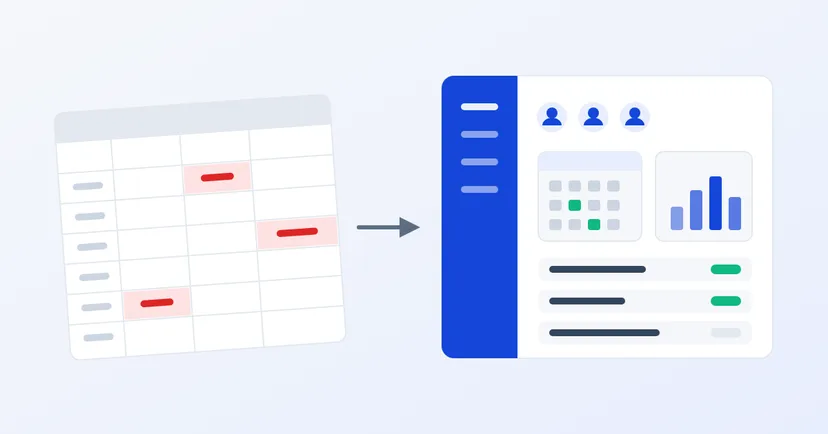
When you had 20 employees, one spreadsheet for attendance, leave and pay felt like enough. Everyone knew each other, and HR remembered who worked overtime when. Once headcount nears a hundred, with several work locations and more varied overtime rules, the same file starts causing problems.
This article helps you judge when a spreadsheet is no longer enough, what is at stake, and what to prepare before moving to an HRIS (Human Resource Information System).
There is no fixed point at which a company must switch. But if several of the following sound familiar, that is a fairly clear sign:
Overtime is a good example of why spreadsheets get riskier as headcount grows. Indonesia's Government Regulation No. 35 of 2021 sets out several things that must be calculated and recorded correctly, including:
There are more rules, such as overtime rates on holidays and exceptions for certain positions. The details are best confirmed with an employment law adviser or the latest regulations. The point is this: the more employees and working patterns you have, the more spreadsheet formulas can break without anyone noticing. A good system can warn when overtime limits are exceeded, and calculate pay from the same attendance data, not from figures typed in again.
HR files hold more than names and job titles. They often include bank account numbers, salaries, sick notes, family and children's details, and even fingerprint data from attendance machines.
Indonesia's Personal Data Protection Law (Law No. 27 of 2022) classifies health data, biometric data, children's data and personal financial data as specific personal data. The law also requires data controllers to protect and ensure the security of the data they process, and to record all personal data processing activities.
How those obligations apply in your company is best discussed with a legal adviser. But in practical terms, a spreadsheet sent around by email or chat is hard to control: who has a copy, who changed what, and whether former HR staff still keep it. A system with role-based access and a change log makes these questions much easier to answer.
An HRIS brings HR data and processes into one place. Common modules:
The biggest benefit isn't the features but a single source of data. A manager approves overtime in the system, that figure is used for pay, and the employee sees the result on their payslip. No more figures retyped in three places.
An off-the-shelf HRIS is usually quicker to start using, and suits you if your processes are similar to most companies'. If your approval flows, shift patterns or pay components are very particular, a custom-built system may fit better, but it needs a longer analysis phase. Whichever you choose, ask how data will be moved from the old spreadsheet, who keeps the rules up to date, and where employee data is stored.
The spreadsheet isn't the problem. The problem starts when one file has to carry the data, rules and approvals of hundreds of people at once.
We are preparing the Digimasi HRIS for companies in Indonesia. It isn't available yet, but you can register your interest through the contact form and tell us which process causes the most trouble today.
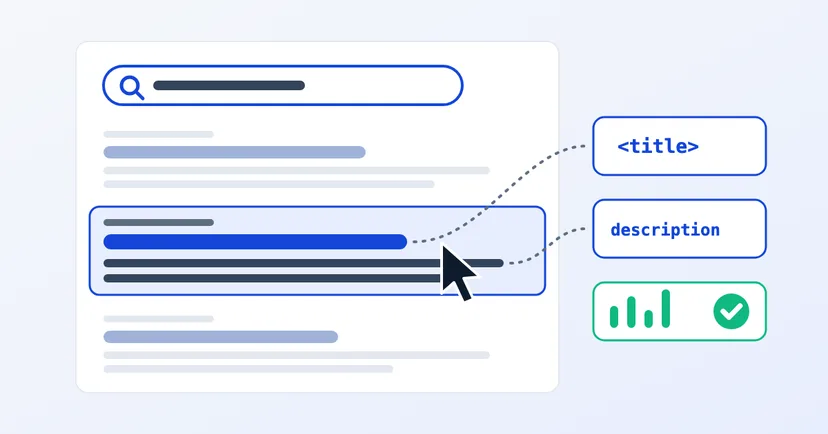
How to write clear page titles and meta descriptions, why Google sometimes replaces them, and how to check the result through CTR in Search Console.
Read the article →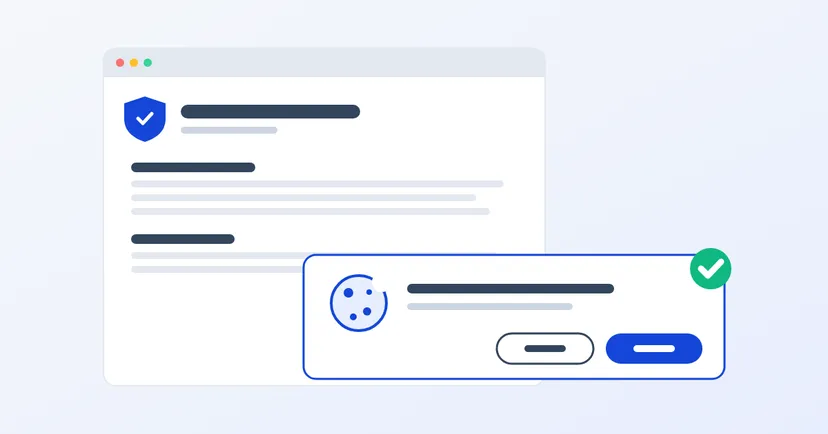
What a privacy policy for website owners in Indonesia must include under UU PDP: the required information, cookies, an honest consent banner, common mistakes.
Read the article →