Page Titles and Meta Descriptions That Get People to Click
How to write clear page titles and meta descriptions, why Google sometimes replaces them, and how to check the result through CTR in Search Console.
Read the article →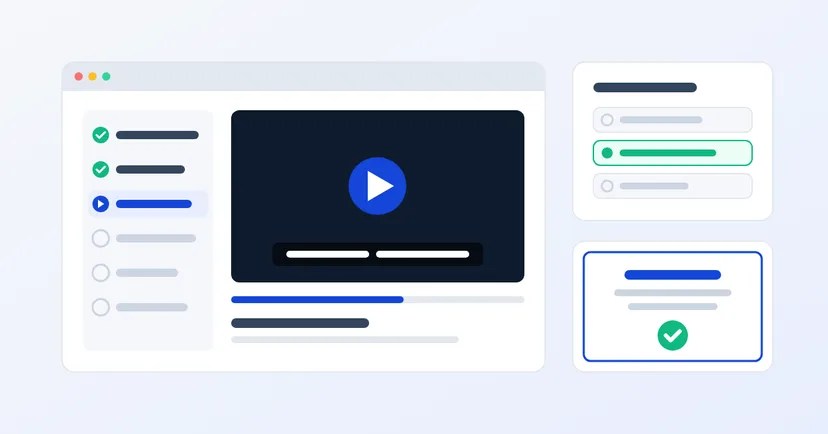
Every time someone new joins, a supervisor explains the same procedures from scratch. Training material is scattered across email, shared folders and chat groups. When someone asks who has completed the training on the latest product, the answer has to be dug out of paper attendance sheets.
E-learning can tidy all of this up. But the platform is only a container. What makes online training work is the preparation before anyone logs in. This article covers what you need to get ready, from the purpose of the training to who keeps the material up to date.
Don't start with "move all training online". Pick one need that comes up again and again and whose results are easy to measure. Common examples in manufacturing and distribution companies:
For each course, write one sentence describing its goal: once they finish, what will participants be able to do? That sentence becomes your yardstick when you build the material and the quizzes.
Classroom training usually relies on a long slide deck explained in person by a trainer. Upload that deck as it is and participants lose the spoken explanation. The material needs reworking:
Also make sure the material doesn't contain confidential data it doesn't need, such as cost prices or customer data, especially if a course is open to many departments.
One of the main reasons to move to e-learning is being able to see who has finished and how well they understood. That only happens if you prepare it from the start:
Quiz results also feed back into the material. If many people get the same question wrong, the chapter is probably unclear.
Decide who the participants are and how they will log in. Office staff usually have a company email address, but production operators and warehouse staff often don't. Think about these points:
If employee data is already kept tidy in an HRIS, the participant list can come from there. Read also: when a spreadsheet is no longer enough for employee data.
If you plan to buy ready-made courses from a training provider, ask about the format. Many courses are built with SCORM, a set of standards brought together by ADL that lets one content package run on different e-learning platforms, with scores and completion status recorded. The newer xAPI is now standardised as IEEE 9274.1.1-2023 and can record learning activity outside an online course too.
Not every company needs this. If you create all the material yourself, a platform's courses, video and quizzes are usually enough. But if outside material is part of the plan, make sure the platform you choose can take it.
Neglected e-learning goes stale quickly: the procedure has changed, but the old video is still live. Appoint an owner for each course, usually the head of the department whose procedure it covers, and one admin in HR to manage participants and reports. Agree when material is reviewed, for example whenever a procedure changes or once a year.
A good e-learning platform helps, but tidy material and people who look after it matter far more.
We are preparing the Digimasi E-Learning platform for courses, video, quizzes, certificates and participant progress. It isn't available to use yet. If you are interested or have specific training needs, tell us through the contact form.
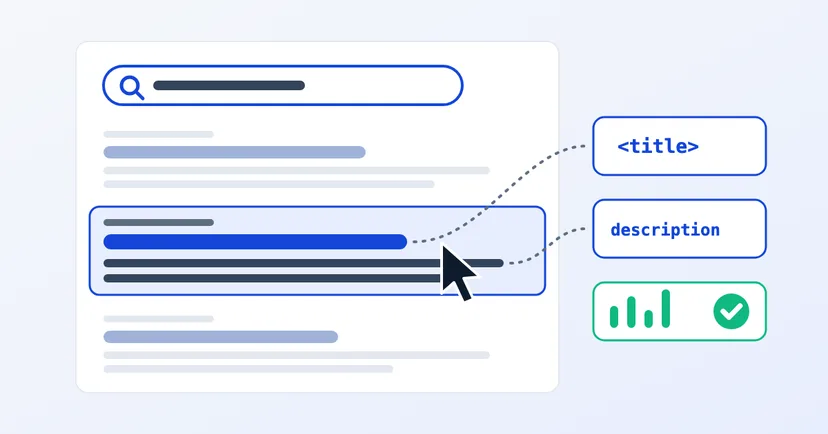
How to write clear page titles and meta descriptions, why Google sometimes replaces them, and how to check the result through CTR in Search Console.
Read the article →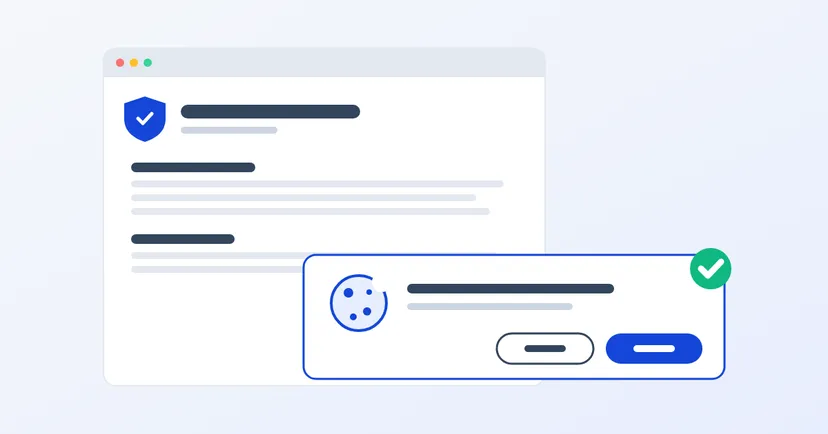
What a privacy policy for website owners in Indonesia must include under UU PDP: the required information, cookies, an honest consent banner, common mistakes.
Read the article →